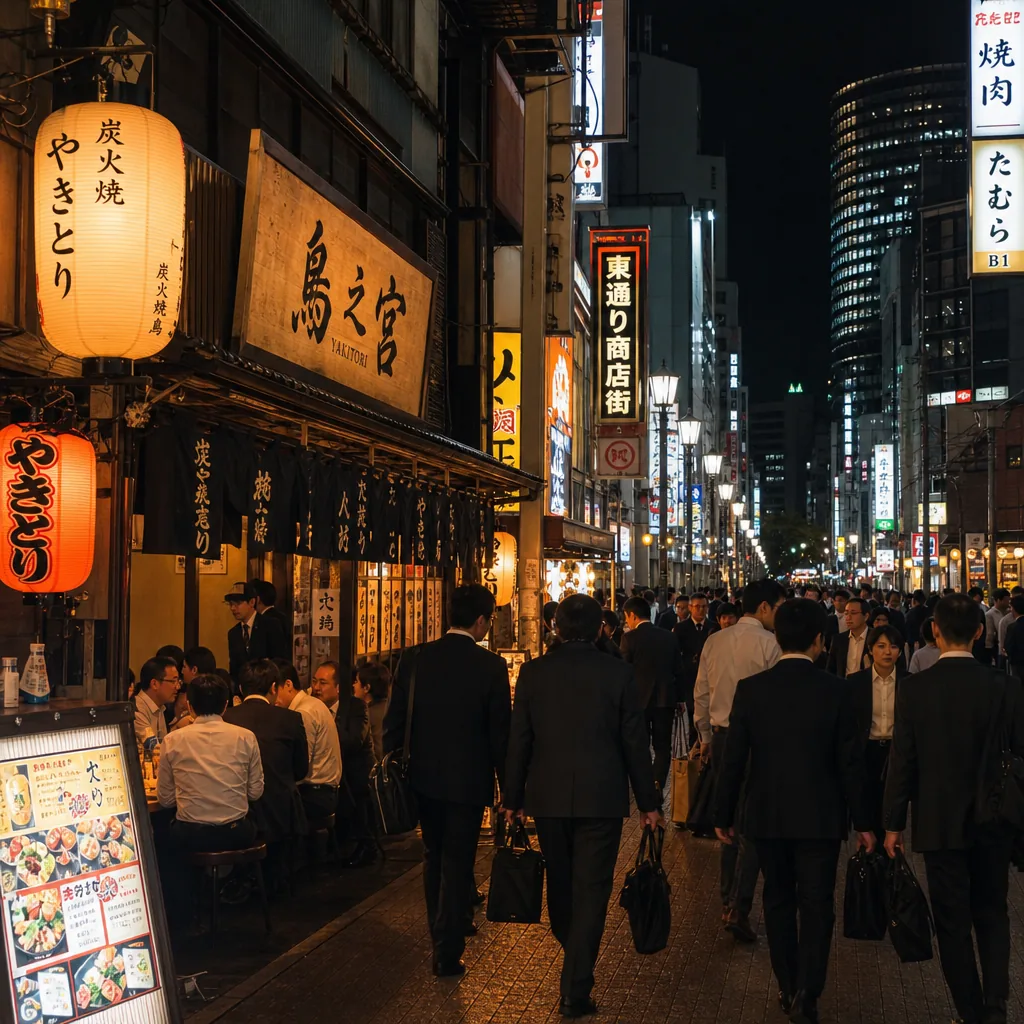
Where can I find english-friendly yakitori in Osaka after work?
Find English-friendly yakitori in Osaka after work by targeting Umeda, Namba, and Honmachi, plus booking sites and multilingual menus.
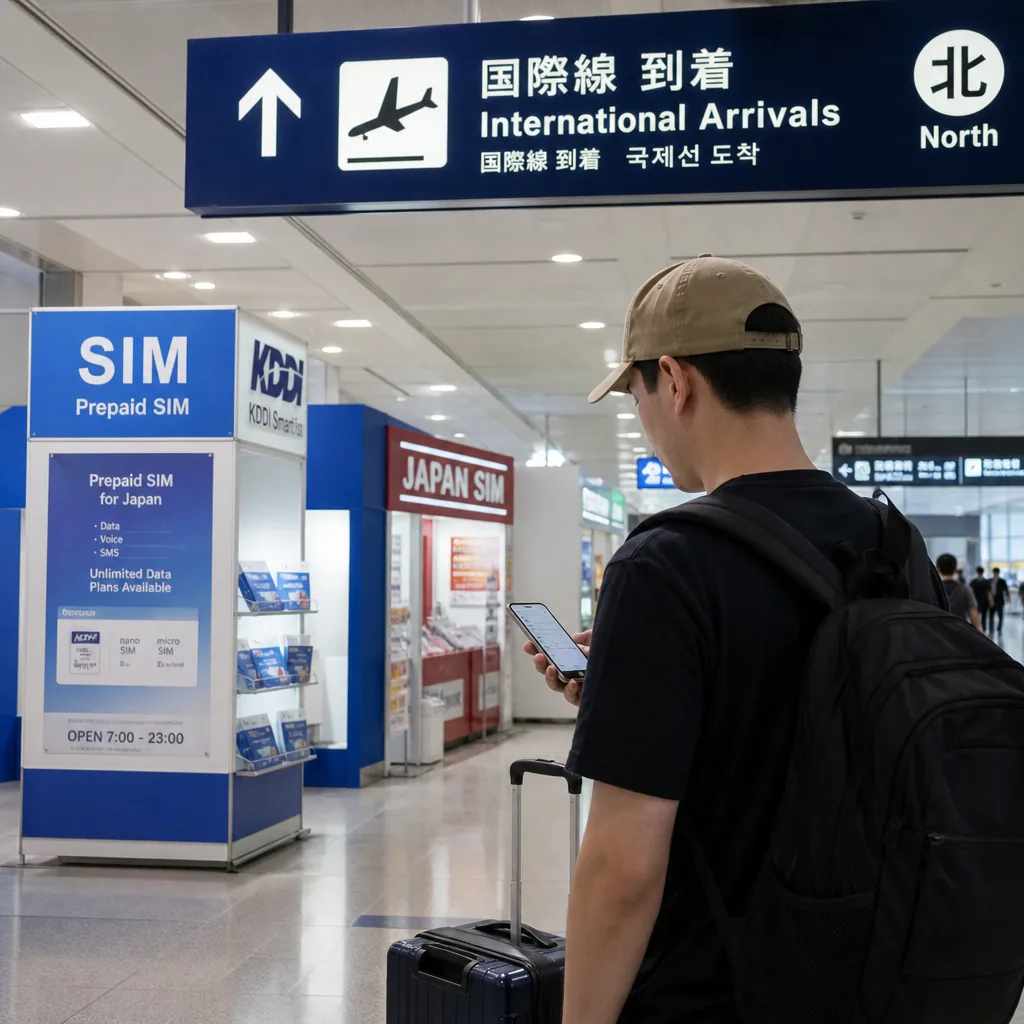
Yes—you can get a Japanese SIM in Osaka right after landing, and the easiest options are usually Kansai International Airport or a major electronics retailer in central Osaka. If your phone supports eSIM, activation can be even faster because you may be able to set it up before you leave the airport [1][5].
For most visitors, the most practical first stop is Kansai International Airport (KIX). The airport is designed for arriving travelers, and its official shopping and service areas make it a convenient place to handle essentials before heading into the city [1]. That matters in Osaka because you can sort out connectivity before you need transit tickets, hotel check-in details, or ride-hailing apps.
If you prefer to buy in the city, Osaka’s major station areas are the next-best option. Tourist-heavy districts such as Umeda and Namba have large electronics retailers and mobile counters where short-term SIMs are commonly sold, and the Osaka Convention & Tourism Bureau notes that these central areas are the city’s main gateways for visitors [2].
Carrier-branded prepaid products are also available. NTT DOCOMO offers a prepaid SIM product for visitors, and SoftBank sells a prepaid SIM aimed at travelers as well [3][4]. In practice, that means you can compare airport convenience against city-center selection and choose whichever fits your arrival schedule.
Before purchasing, confirm three things: your phone is unlocked, it supports Japanese network bands, and you know whether you need a physical SIM or eSIM. Japanese prepaid services often require an unlocked device, and compatibility can vary by phone model and carrier [3][4].
If you rely on calling local restaurants, hotels, or tour operators, note that a data-only SIM will not give you a Japanese voice number. For most travelers, messaging apps and internet calling are enough, but it is worth checking your itinerary first.
Expect passport verification for some prepaid SIMs. Japanese carriers and their retail partners may require identification at purchase or activation, especially for visitor-oriented products [3][4]. The exact process varies by provider, so it is best to have your passport ready even if a product can be bought quickly at the airport.
Some short-term tourist SIMs can be activated online without a storefront registration step, which is one reason eSIM is popular [5]. That said, you should still read the provider instructions carefully because activation timing, identity checks, and support options differ by company.
One useful rule in Osaka is simple: if you want the least friction, choose a plan that clearly states it is for visitors and lists the required documents before you pay. That reduces the chance of getting stuck at a counter after a long flight.
Physical SIMs usually require you to insert the card, restart the phone if needed, and wait for the network profile to register. Depending on the provider, you may also need to complete a short setup page or APN configuration before data begins working [3][4].
eSIM is often faster if your phone supports it. Providers such as IIJmio offer eSIM services in Japan, and that can let you complete the setup digitally instead of handling a plastic card [5]. For travelers arriving in Osaka, this is especially helpful if you want service working as soon as you land at KIX or when you reach your hotel in Umeda or Namba.
A practical sequence is:
If the phone does not connect right away, restart it once, check APN settings, and verify that roaming is not accidentally disabled. Those basic steps solve many first-day issues.
Choose Kansai International Airport if your priority is speed. You can arrive, buy, and activate service before heading into the city, which saves time when you need maps and train information immediately [1]. This is the best choice for late arrivals, first-time visitors, and anyone connecting to Kyoto or Nara soon after landing.
Choose central Osaka if you want more comparison shopping or already have Wi-Fi access for part of the trip. Electronics retailers around Osaka’s main business and shopping zones can be useful if your flight arrives late or if you want to compare carrier offers in person [2].
For many visitors, the airport is the safer bet. The city center is still convenient, but it depends on having enough connectivity to reach the store and check product details without stress.
The biggest problems in Osaka are usually easy to prevent. Most come from compatibility, missing documents, or assuming a SIM includes features it does not.
Also remember that Osaka’s main visitor areas—KIX, Umeda, and Namba—are the most practical places to solve connectivity problems quickly [1][2]. If your first choice does not fit your device, those districts usually give you a second chance without a major detour.
In short, the easiest way to get a Japanese SIM in Osaka is to decide before you land whether you want a physical SIM or eSIM, then buy at Kansai International Airport or a central Osaka retailer once you arrive. If you check your phone compatibility and have your passport ready, setup is usually straightforward and you can be online the same day [1][3][4][5].
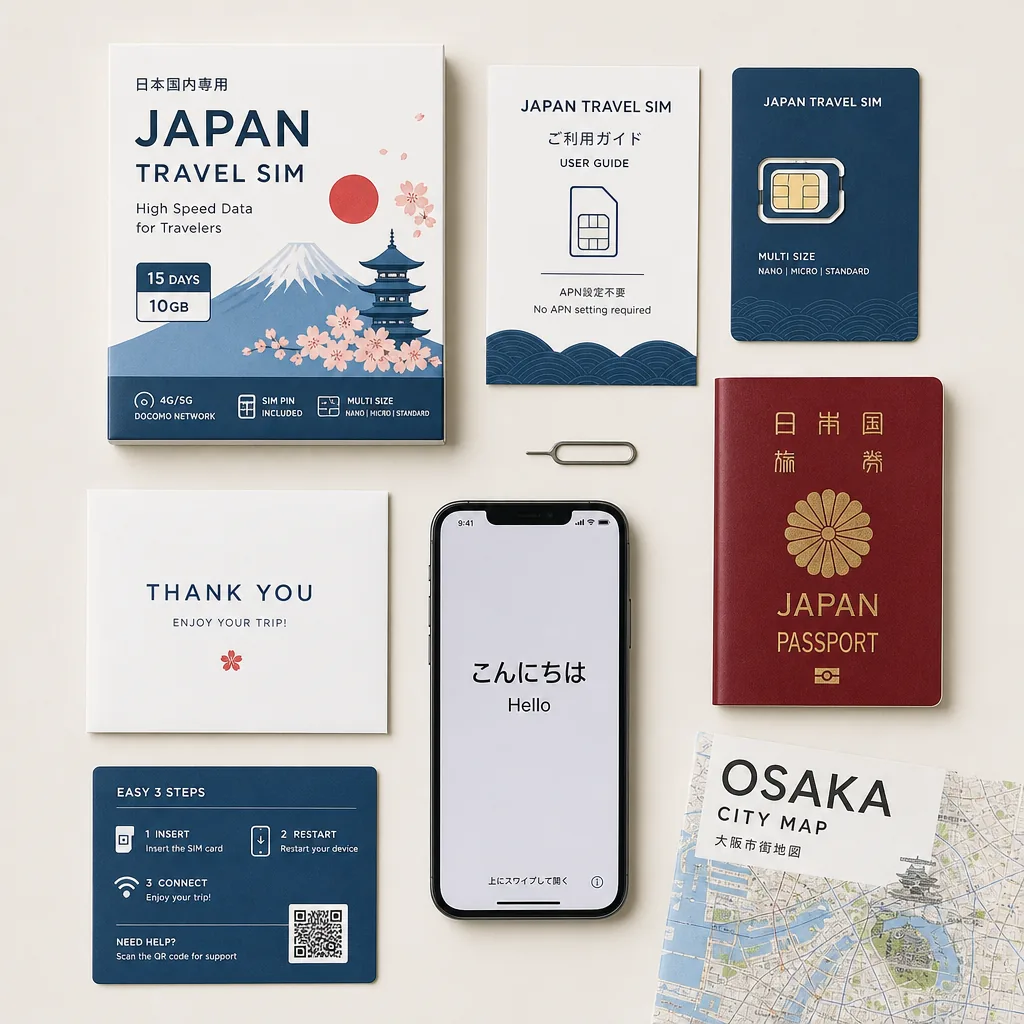
CallButler is a multilingual concierge service that handles research, coordination, and bookings so you do not have to navigate language barriers or unfamiliar systems alone. If you need help related to How do I set up a Japanese SIM in Osaka after arrival? or the tasks around it, our team can step in to manage the details and keep things moving smoothly.
Find English-friendly yakitori in Osaka after work by targeting Umeda, Namba, and Honmachi, plus booking sites and multilingual menus.
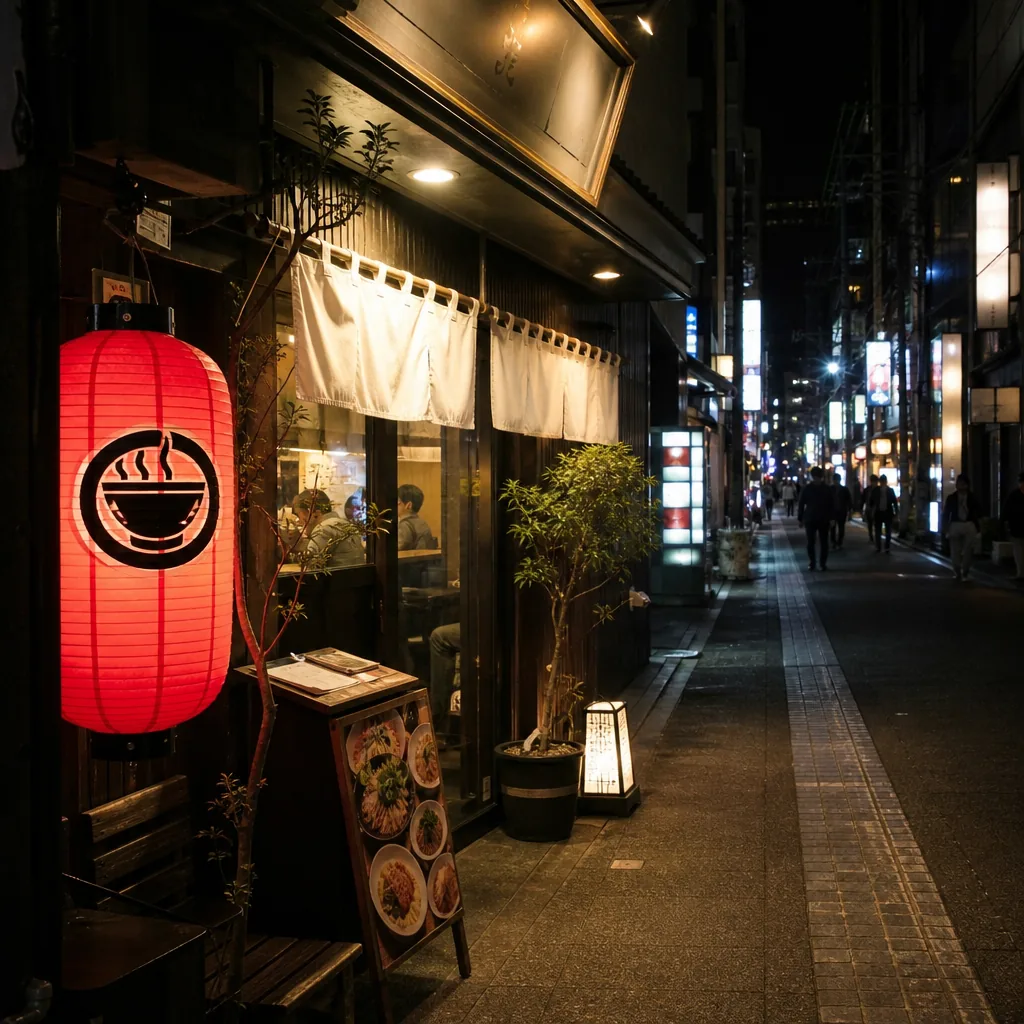
Looking for halal ramen in Kyoto after 10 p.m.? Here’s where to check, which areas are most practical, and how to verify hours and halal status.
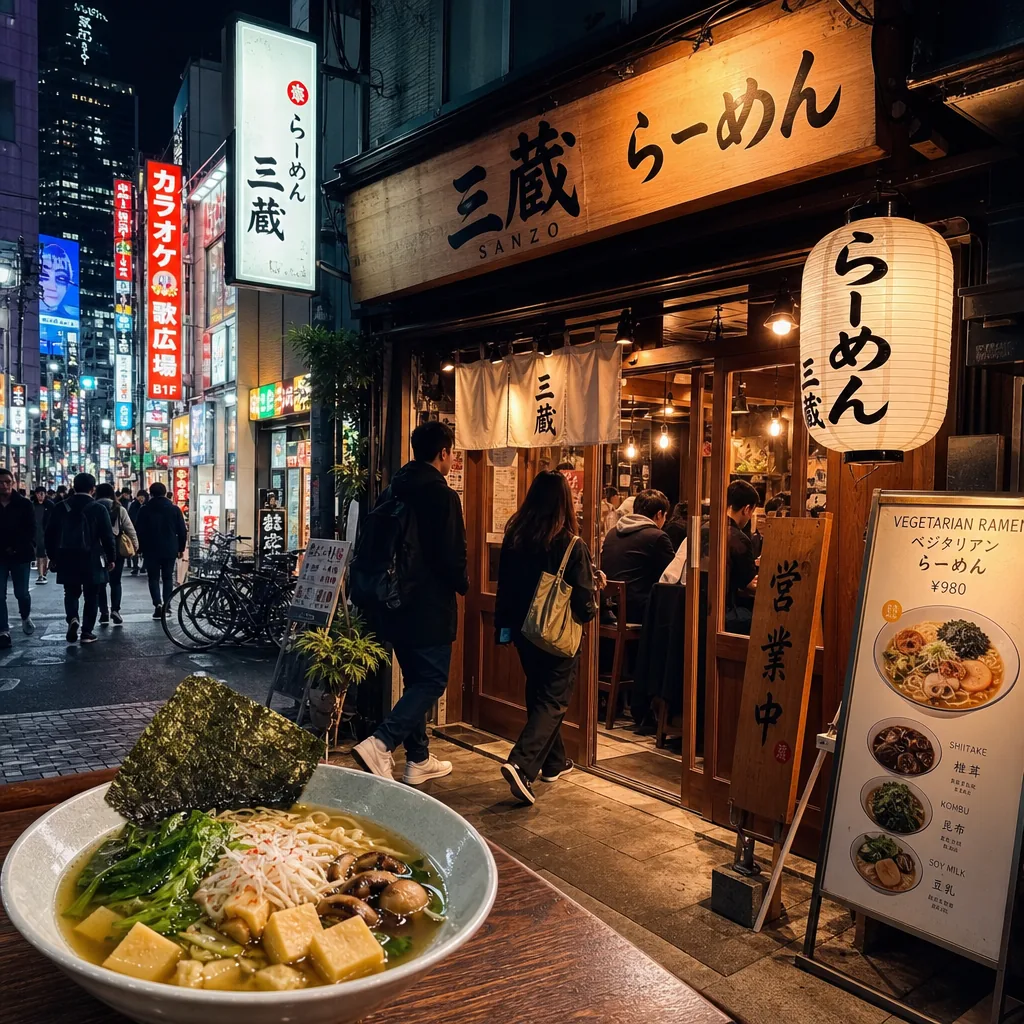
Find late-night vegetarian ramen in Tokyo by focusing on Shibuya, Shinjuku, and Roppongi, then verify broth, hours, and vegan menu details.