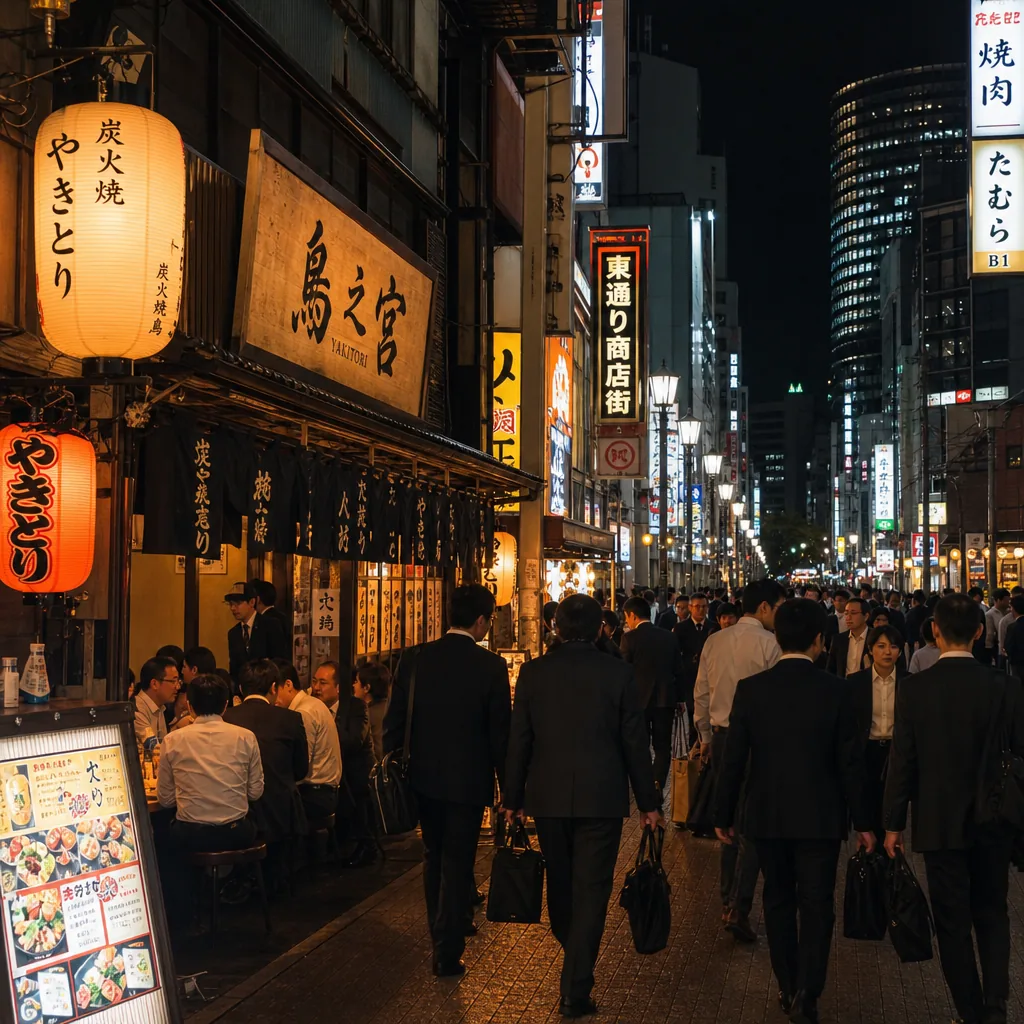
Where can I find english-friendly yakitori in Osaka after work?
Find English-friendly yakitori in Osaka after work by targeting Umeda, Namba, and Honmachi, plus booking sites and multilingual menus.
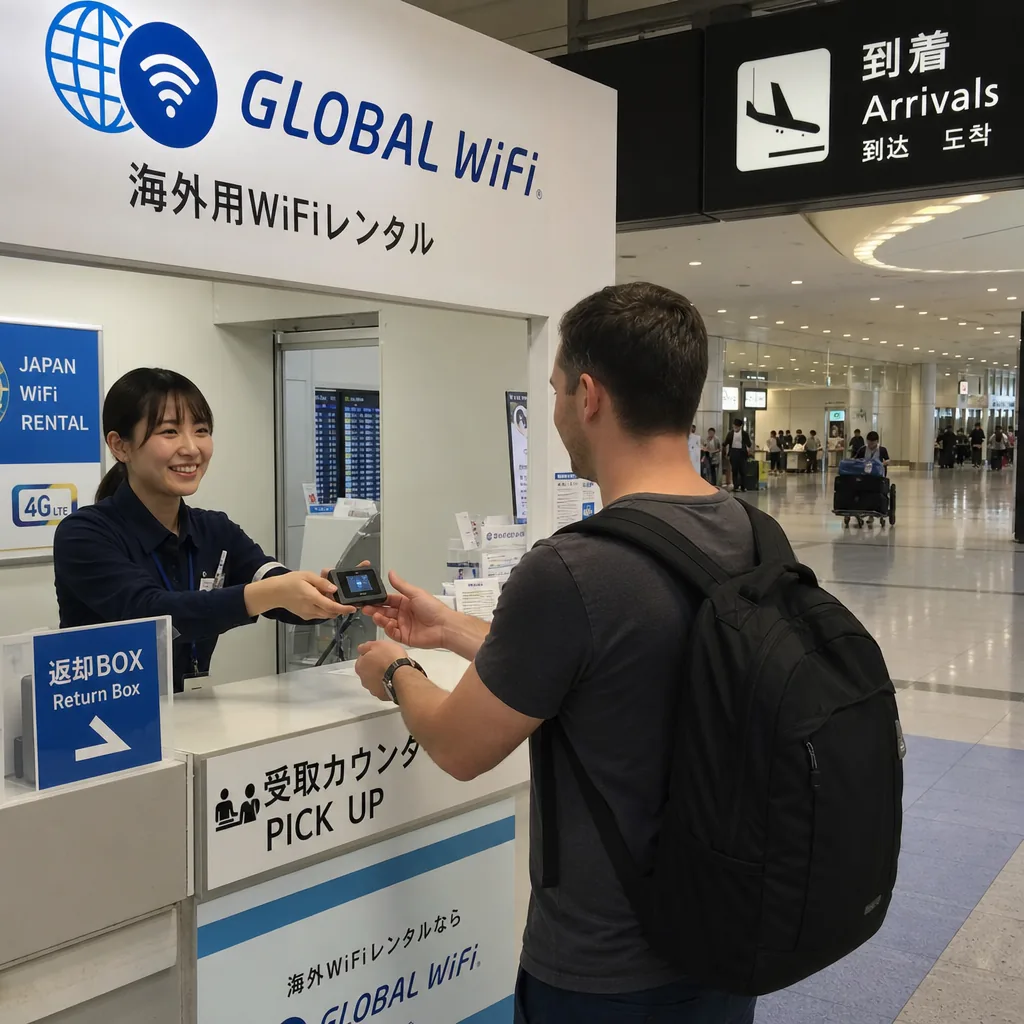
How can expats set up mobile Wi‑Fi in Tokyo after landing? The fastest answer is usually to pre-book a pocket Wi‑Fi or SIM/eSIM before you fly, then pick it up at Narita or Haneda or have it delivered to your hotel. Tokyo’s airports also offer free public Wi‑Fi and service counters, so you can get online quickly even if your plan is not finalized yet [1][2][3].
In Tokyo, reliable data is useful immediately for train directions, hotel check-in messages, ride-hailing, and translation apps. The Japan National Tourism Organization notes that visitors commonly use airport Wi‑Fi, pocket Wi‑Fi, SIM cards, and eSIMs to stay connected while traveling in Japan [3]. For expats, the practical issue is not whether connectivity exists, but how to get a working solution with minimal delay after a long flight.
Tokyo’s main airports make this easier. Narita Airport provides free Wi‑Fi and a published airport services page, while Haneda Airport also offers free Wi‑Fi across terminal areas [1][2]. That means you can confirm your booking, check pickup instructions, or compare plans right after immigration.
For most expats, there are three realistic options: pocket Wi‑Fi, a physical SIM card, or an eSIM. Pocket Wi‑Fi is often the simplest short-term option because one device can connect multiple phones, tablets, or laptops without changing your handset settings [3][5]. A SIM or eSIM is usually better if only one person needs data and you want a plan that may be cheaper over a longer stay [4][5].
Airport pickup is the easiest arrangement if you want to leave the airport already connected. Some services also offer delivery to a hotel or residence, which can be helpful if you prefer to settle in first and deal with the paperwork later. This is especially practical for people arriving late at night or moving with family members who will all need access at once.
At Narita and Haneda, the most useful strategy is to pre-book online and then use airport pickup rather than searching for a plan after arrival. Narita Airport publishes English-language guidance for free Wi‑Fi and airport services, which helps you locate information without navigating Japanese-only pages [1]. Haneda similarly maintains English service information for Wi‑Fi and other traveler facilities [2].
Many pocket Wi‑Fi providers advertise airport pickup options in Japan, including at major airports serving Tokyo. For example, Ninja WiFi says travelers can reserve pocket Wi‑Fi online and collect it at airport counters, making it a straightforward option for people who want data on day one [5]. If your flight is delayed, online booking also gives you a record of the reservation and pickup instructions.
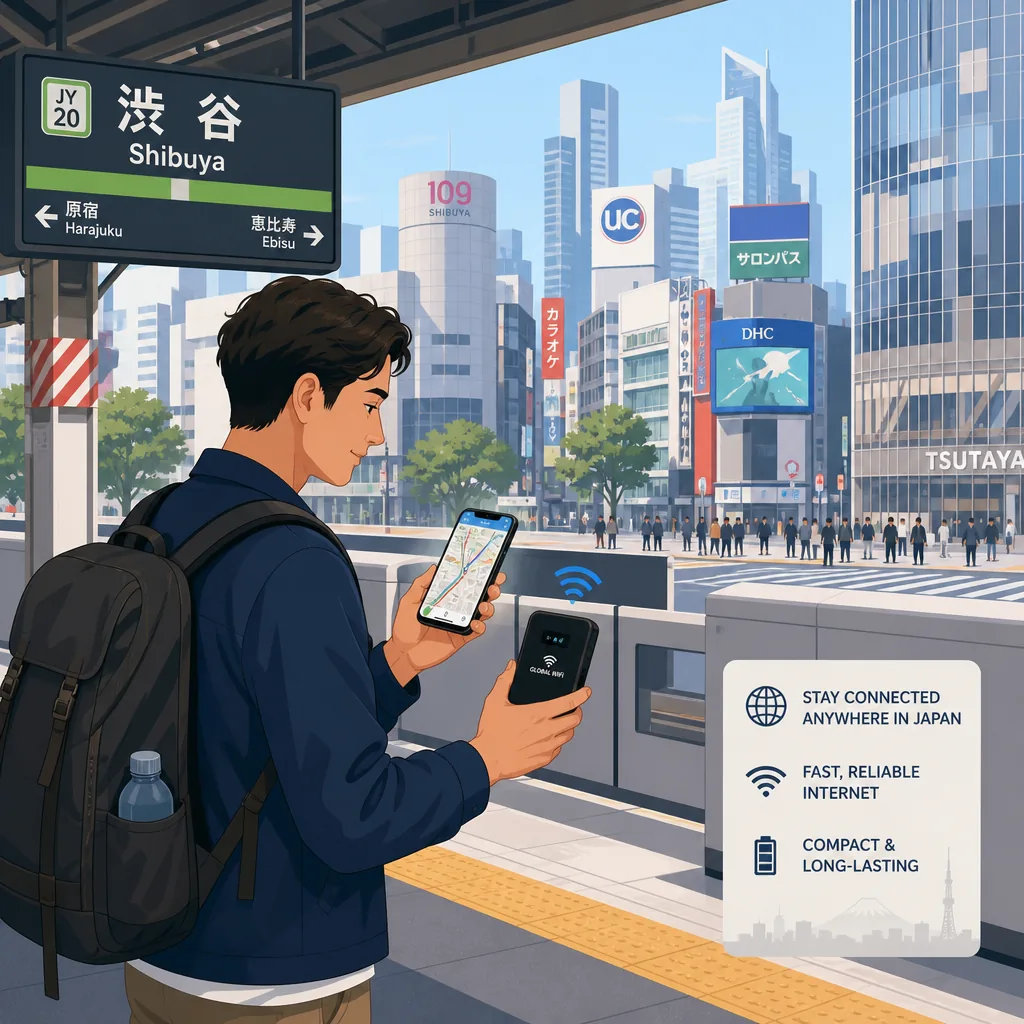
If you do not want to pick up equipment immediately, delivery is the next practical route. Hotel delivery can be convenient because front desks usually hold parcels, and apartment delivery can work if your address is confirmed and someone can receive the package. The tradeoff is timing: delivery is best when you have already booked a place to stay and know your arrival window.
Requirements vary by provider, but identity verification is common for SIM and eSIM purchases, and some services ask for a passport. Payment cards are also frequently needed for online reservations or deposits. Mobal’s Japan SIM and eSIM information explains that customers should expect identity checks and should review device compatibility before buying, especially if they plan to use an eSIM [4].
For pocket Wi‑Fi rental, the process is usually lighter than a local mobile contract, but you should still expect to enter basic personal details, flight information, and a payment method when reserving online [5]. Pre-booking reduces the chance of standing in an airport queue only to discover you lack a required document or that a preferred plan is sold out.
Practical checklist for arrival:
Choose pocket Wi‑Fi if you are arriving with family, using multiple devices, or want the least amount of phone setup. It is especially useful for short-term stays because one hotspot can cover several people, and you can start using it as soon as it is switched on [3][5].
Choose a SIM if you want a more permanent connection in one phone and do not mind swapping cards. Choose an eSIM if your phone supports it and you want to activate service without waiting for a physical card. Mobal’s information page is a useful reminder that eSIM compatibility is device-dependent, so checking your handset before departure is important [4].
As a rule of thumb:
Book before you fly whenever possible. That is the easiest way to avoid standing at Narita or Haneda after immigration while trying to compare plans on airport Wi‑Fi. If you know your first hotel, delivery may save time; if not, airport pickup keeps the process simple [1][2][5].
Also think about how you will use data in Tokyo. Commuting apps, maps, and messaging will quickly reveal whether you need one connection for one person or a shared hotspot for a household. Tokyo neighborhoods such as Shinjuku, Shibuya, and Tokyo Station areas can involve multiple train lines and transfers, so having data from the moment you leave the airport is especially helpful for navigation and platform changes.
Finally, confirm your plan’s validity period before arrival. A pocket Wi‑Fi rental may fit a first month in the city, while a SIM or eSIM can be more economical if you are staying longer and do not need to share the connection. Checking these details in advance avoids paying for features you will not use.
One common mistake is assuming airport Wi‑Fi alone will be enough for the whole arrival process. It is useful for a quick check-in, but it is not a substitute for a full data plan once you leave the terminal [1][2][3]. Another mistake is forgetting to verify phone compatibility for SIM or eSIM service before departure [4].
It is also easy to choose a plan without considering the number of devices. A solo traveler may do better with a SIM, while a couple or family often benefits from pocket Wi‑Fi. If you are unsure, pre-booking a rental with pickup at Narita or Haneda gives you a dependable fallback, and you can always switch to a longer-term local solution after you settle in.
In Tokyo, the best setup is usually the one that gets you online fast, works with your devices, and matches the length of your stay. For most expats, that means booking ahead, using airport pickup or delivery, and choosing pocket Wi‑Fi, SIM, or eSIM based on how many people need data and how long you will remain in the city.
CallButler is a multilingual concierge service that handles research, coordination, and bookings so you do not have to navigate language barriers or unfamiliar systems alone. If you need help related to How can expats set up mobile Wi‑Fi in Tokyo after landing? or the tasks around it, our team can step in to manage the details and keep things moving smoothly.
Find English-friendly yakitori in Osaka after work by targeting Umeda, Namba, and Honmachi, plus booking sites and multilingual menus.
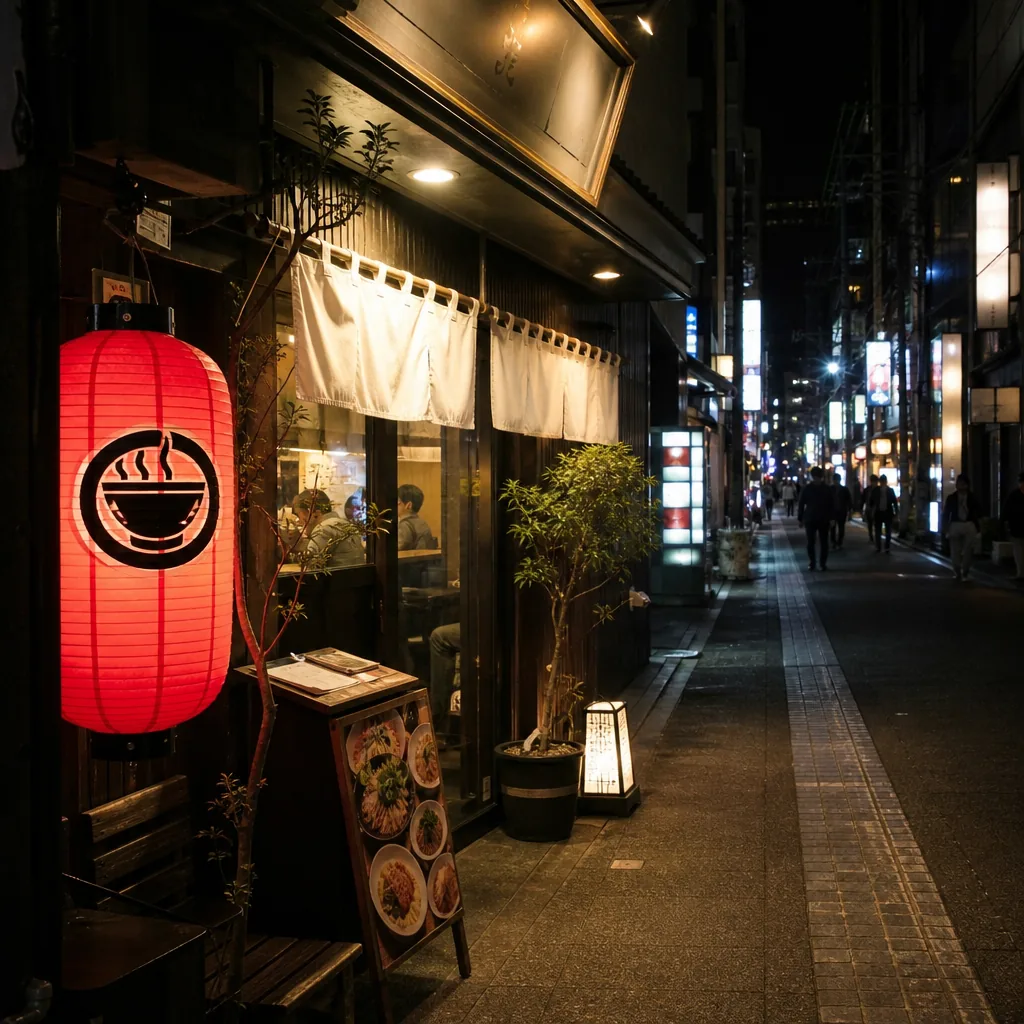
Looking for halal ramen in Kyoto after 10 p.m.? Here’s where to check, which areas are most practical, and how to verify hours and halal status.
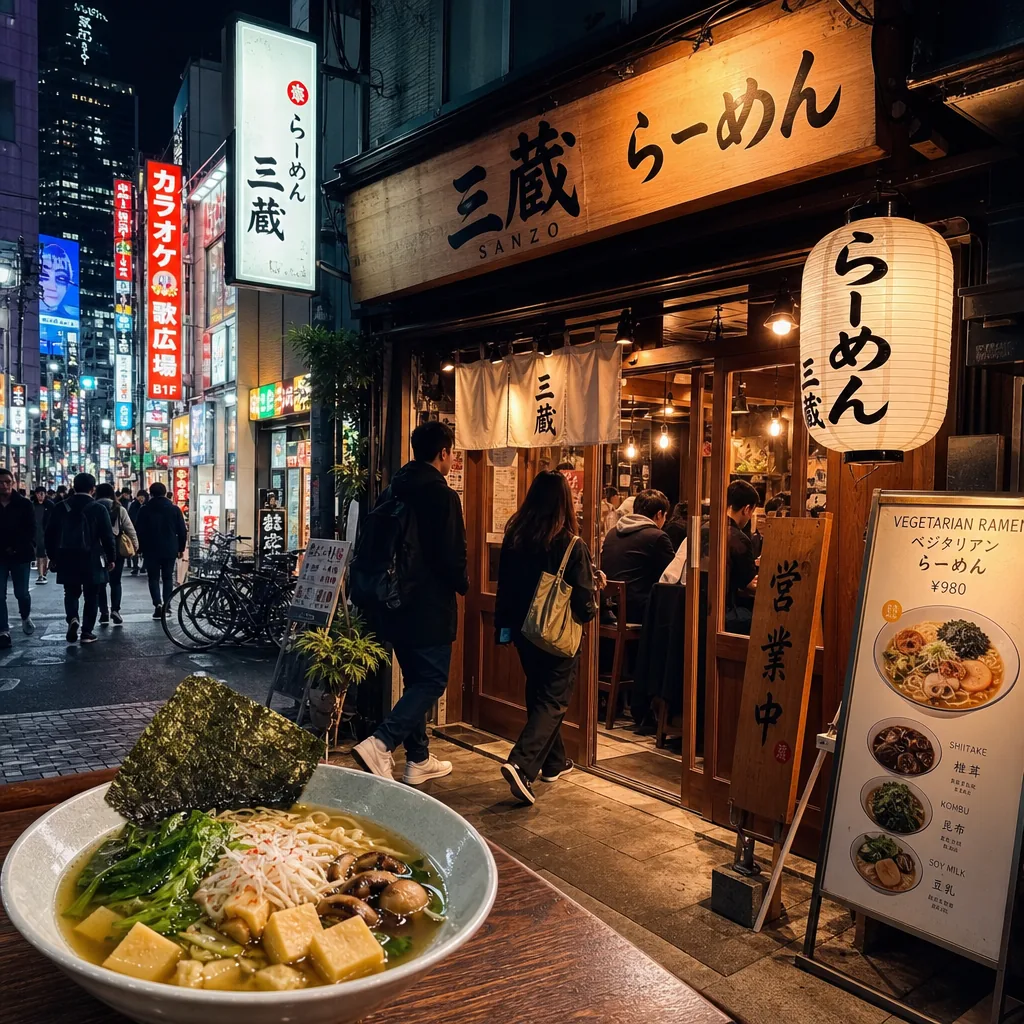
Find late-night vegetarian ramen in Tokyo by focusing on Shibuya, Shinjuku, and Roppongi, then verify broth, hours, and vegan menu details.