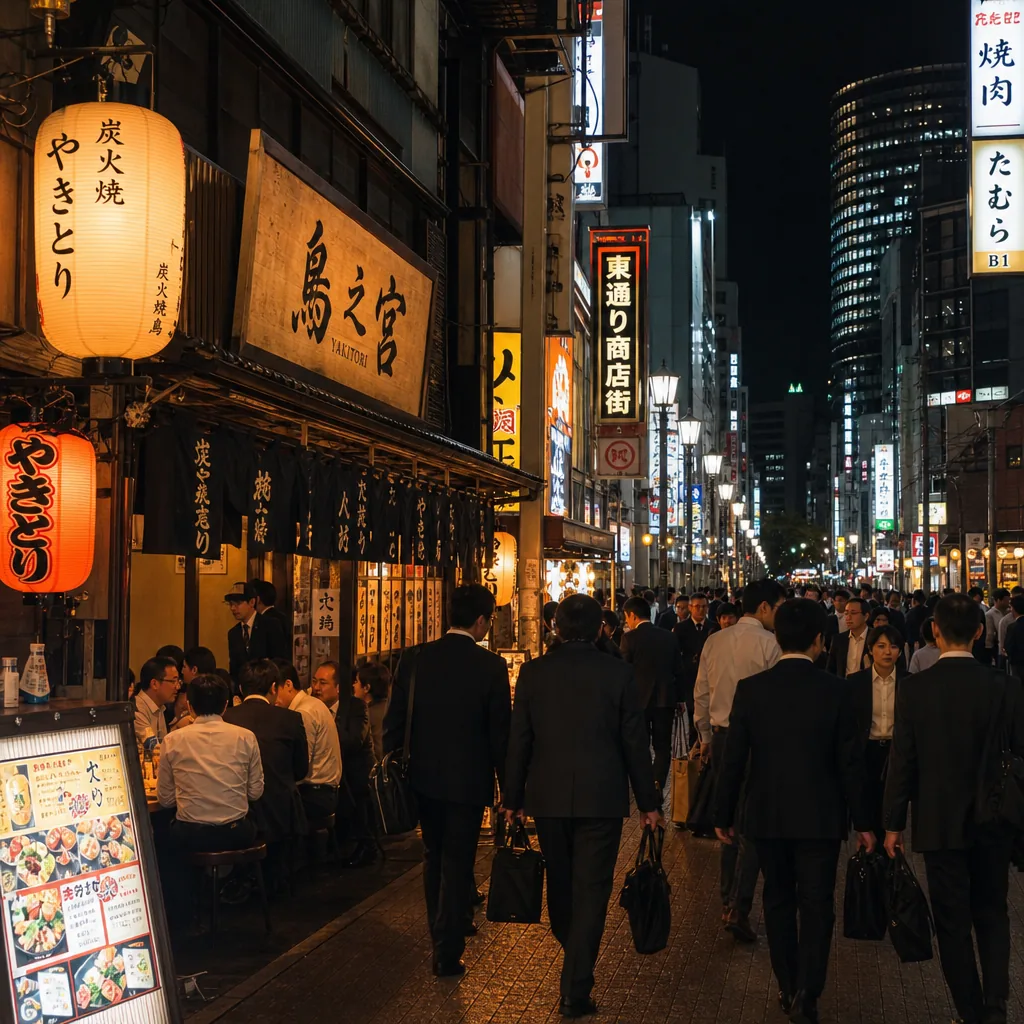
Where can I find english-friendly yakitori in Osaka after work?
Find English-friendly yakitori in Osaka after work by targeting Umeda, Namba, and Honmachi, plus booking sites and multilingual menus.
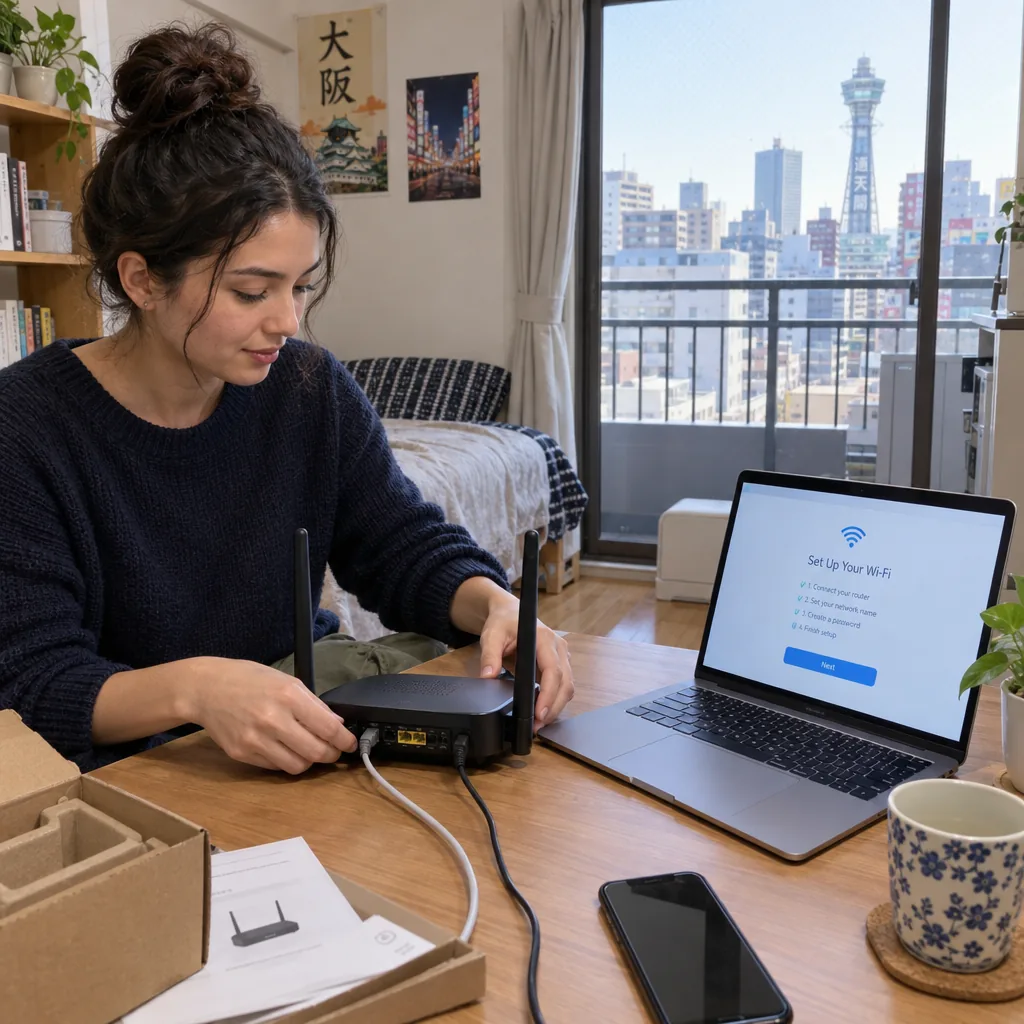
Expats can set up internet in Osaka without Japanese by choosing providers with English-language application and support channels, including ASAHI Net and Sakura Mobile.[2][3] Start by checking your apartment’s existing service, then confirm building-level availability, installation permission, and the full contract cost before applying.
Before ordering anything, ask your landlord or property manager whether internet is included in the rent, available through a building-wide arrangement, or something you must contract individually. An existing wall socket does not, by itself, tell you whether an active internet service is ready to use.
Send a short written request in English so the answers are easy to forward to your chosen provider:
If internet is included, test it inside the apartment before buying another service. Check video calls, uploads, and evening performance using your actual devices. Included building internet and an individually contracted fiber connection are different arrangements; establish what you have before comparing alternatives.
Use these three official websites as your starting shortlist. They serve different roles, so do not assume every advertised service includes the same components.
Ask each company the same question: “Can I apply, arrange installation, get technical support, and cancel in English?” An English information page is useful, but you also need to understand how support works after activation.
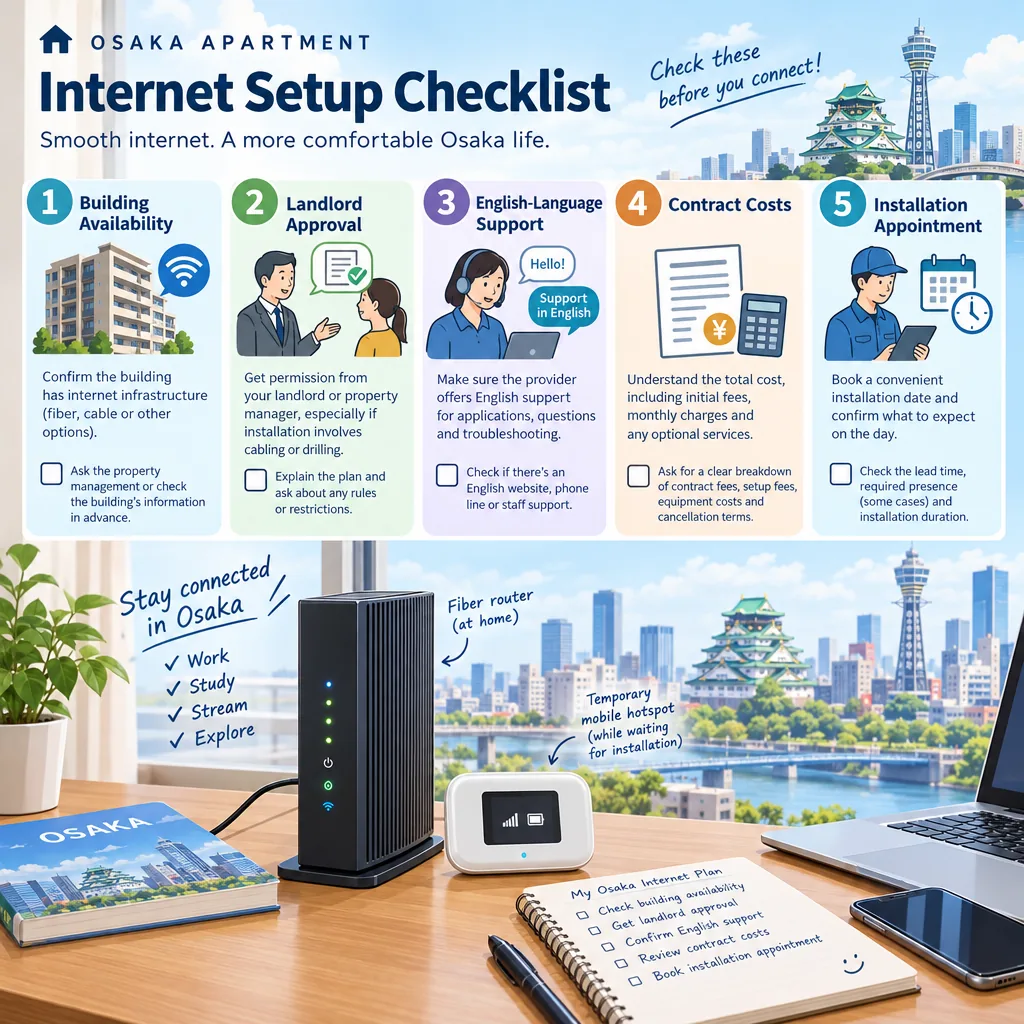
For an apartment near Umeda, check the exact building rather than assuming central Osaka guarantees availability. Apply the same address-level check near Namba or Tennoji: neighborhood names are not substitutes for a provider’s availability assessment.[1] Give the provider your complete address, building name, and apartment number.
Ask whether the proposed connection uses existing infrastructure or needs new work. Specifically, confirm whether a technician must enter your apartment, access a shared equipment area, install a socket, or drill. These answers determine what approval and access arrangements you need.
Obtain the property manager’s permission before authorizing work affecting the building. If the provider needs technical information, ask it to send a written explanation you can forward. This is safer than trying to translate installation terminology yourself or agreeing to work your landlord has not approved.
Have your full Osaka address ready in the format used on your tenancy documents, including the building name and room number. Ask your selected provider which identification documents, contact details, and payment methods it accepts. Do not assume requirements are identical across companies.
Before submitting an application, request a written quotation covering:
Compare the total over your expected stay, not just the first advertised monthly price. For a 12-month stay, add 12 months of service charges, upfront costs, equipment charges, and applicable departure costs, then subtract only discounts you qualify for. Check current terms directly with each provider; the official sites are the appropriate starting points.[1][2][3]
Ask for the expected activation date before canceling an existing connection or committing to internet-dependent work from home. Timing depends on the building, available infrastructure, and installation appointments. A submitted application is not confirmation that service will be usable on moving day.
After activation, test both Wi-Fi and a wired connection if your equipment supports one. Check the rooms where you will actually work. If performance is poor, record when it happens and whether it affects wired devices too; that gives support a clearer starting point.
A mobile hotspot or phone tethering can bridge the installation gap. Before relying on either, check indoor reception at your Osaka apartment, data allowances, tethering restrictions, and fair-use conditions. Test a video call from your intended workspace rather than relying on reception outdoors.
Keep the temporary service until your fixed connection is working reliably. The simplest sequence is: check the apartment, compare English-supported options, secure permission, confirm the full cost, and arrange installation before ending your backup connection.
CallButler is a multilingual concierge service that handles research, coordination, and bookings so you do not have to navigate language barriers or unfamiliar systems alone. If you need help related to How can expats set up internet in Osaka without Japanese? or the tasks around it, our team can step in to manage the details and keep things moving smoothly.
Find English-friendly yakitori in Osaka after work by targeting Umeda, Namba, and Honmachi, plus booking sites and multilingual menus.
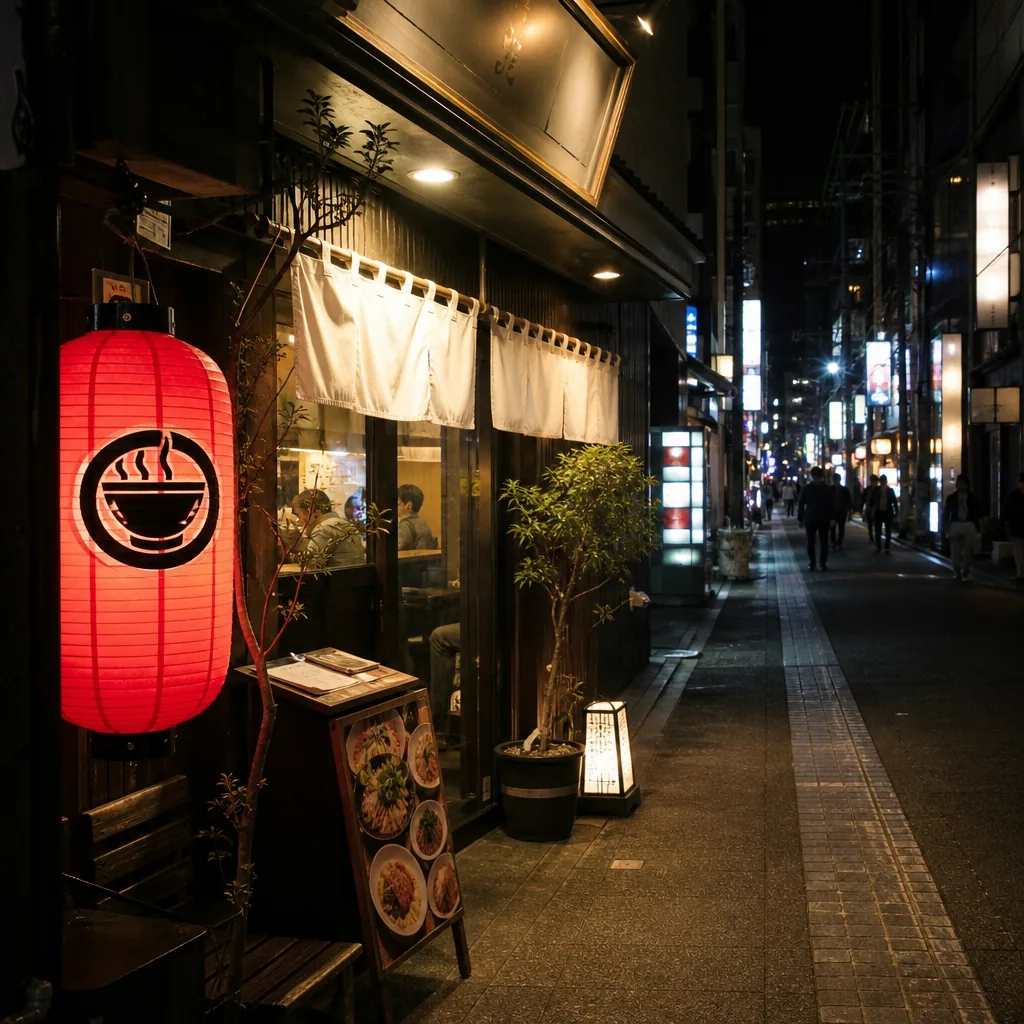
Looking for halal ramen in Kyoto after 10 p.m.? Here’s where to check, which areas are most practical, and how to verify hours and halal status.
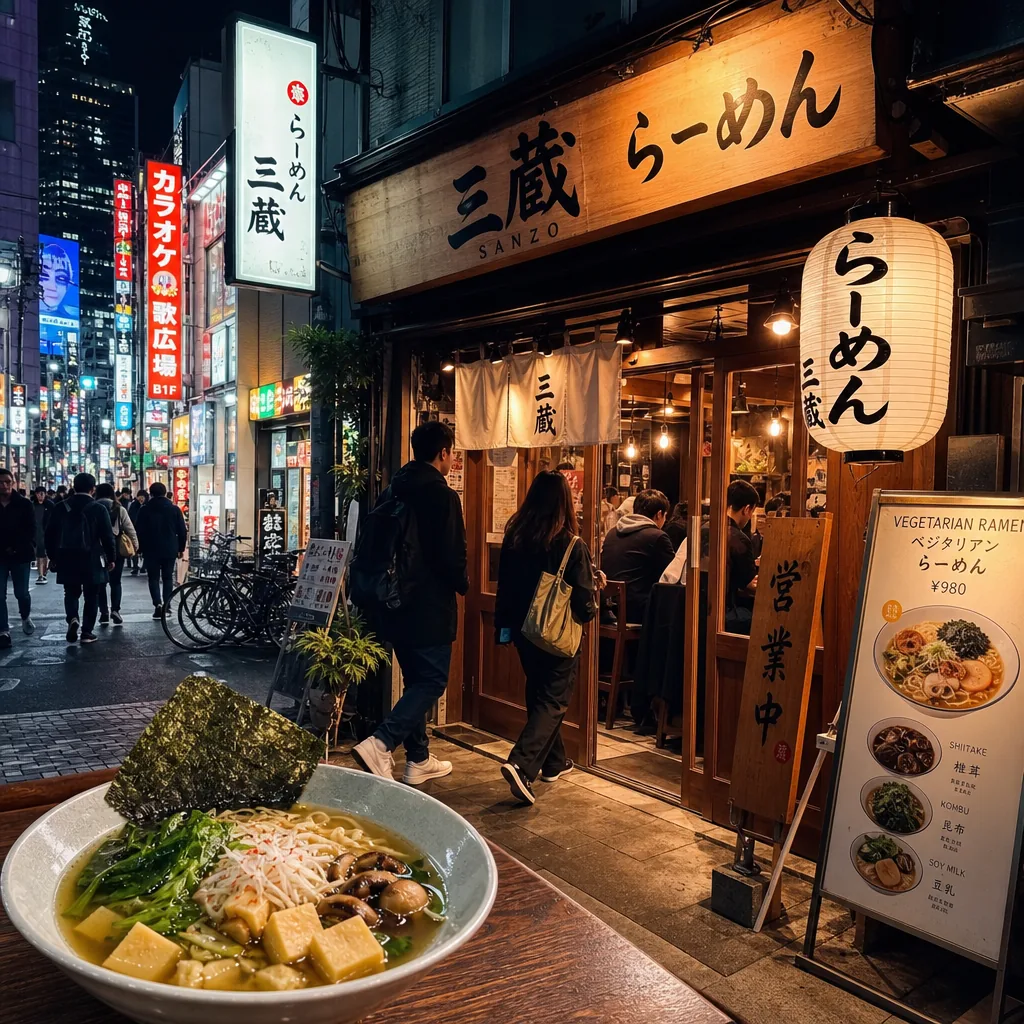
Find late-night vegetarian ramen in Tokyo by focusing on Shibuya, Shinjuku, and Roppongi, then verify broth, hours, and vegan menu details.