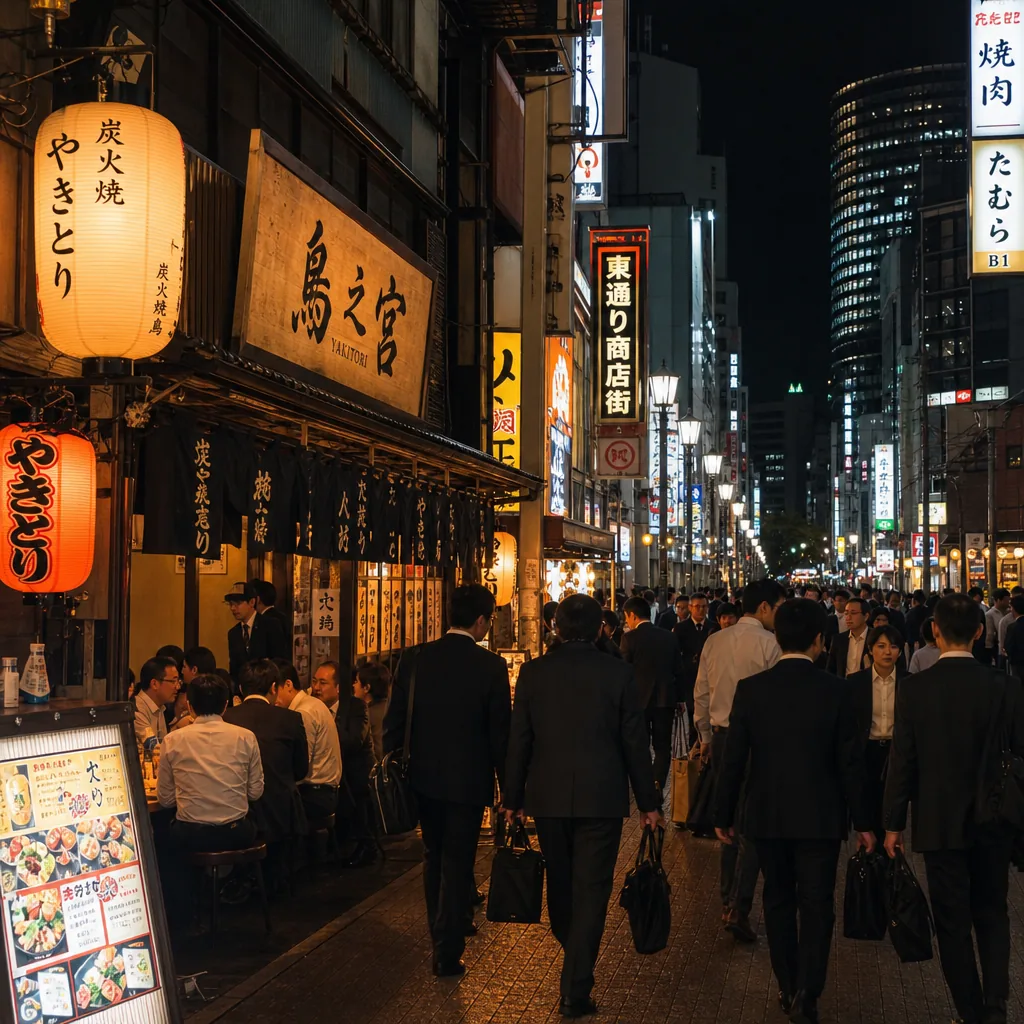
Where can I find english-friendly yakitori in Osaka after work?
Find English-friendly yakitori in Osaka after work by targeting Umeda, Namba, and Honmachi, plus booking sites and multilingual menus.
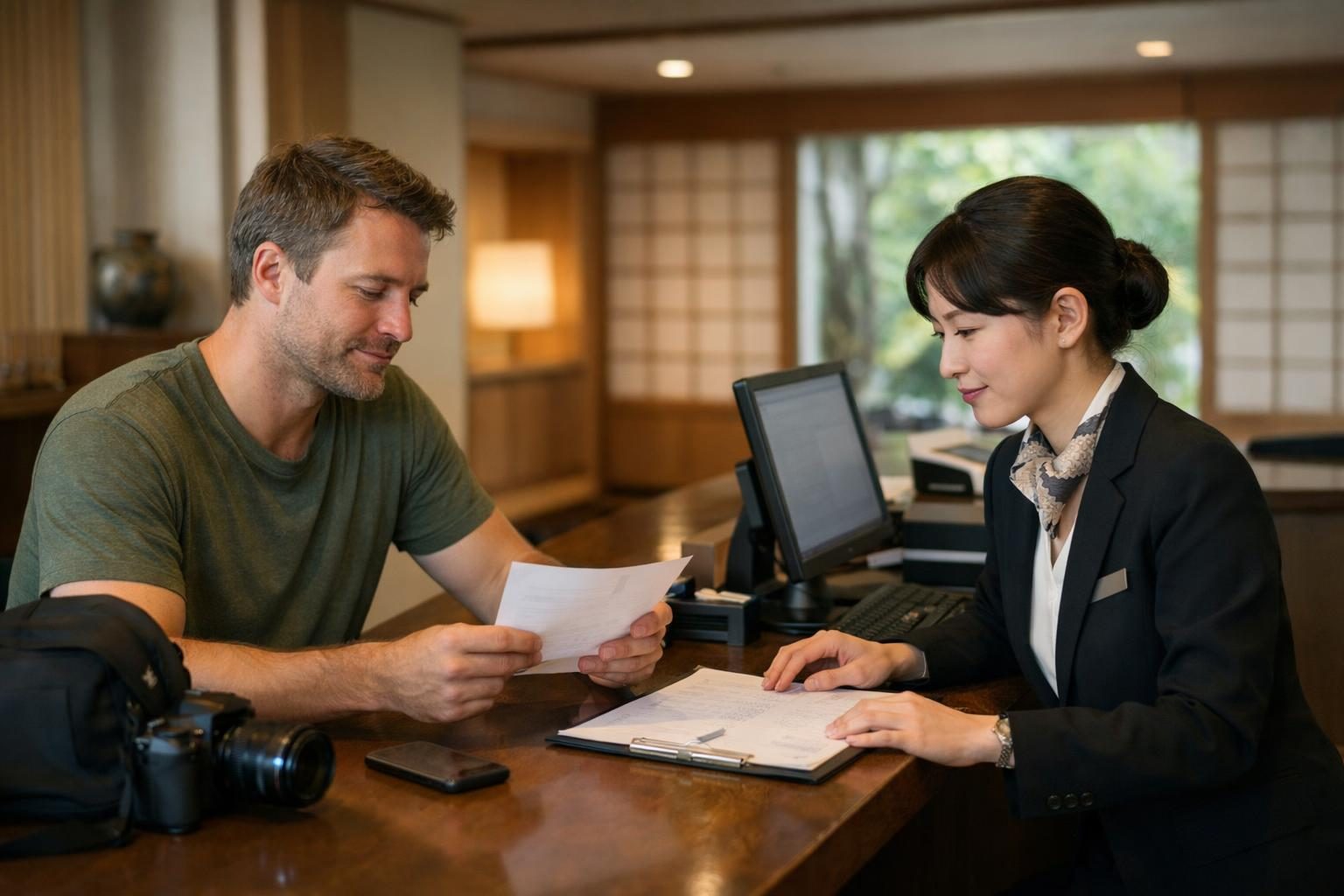
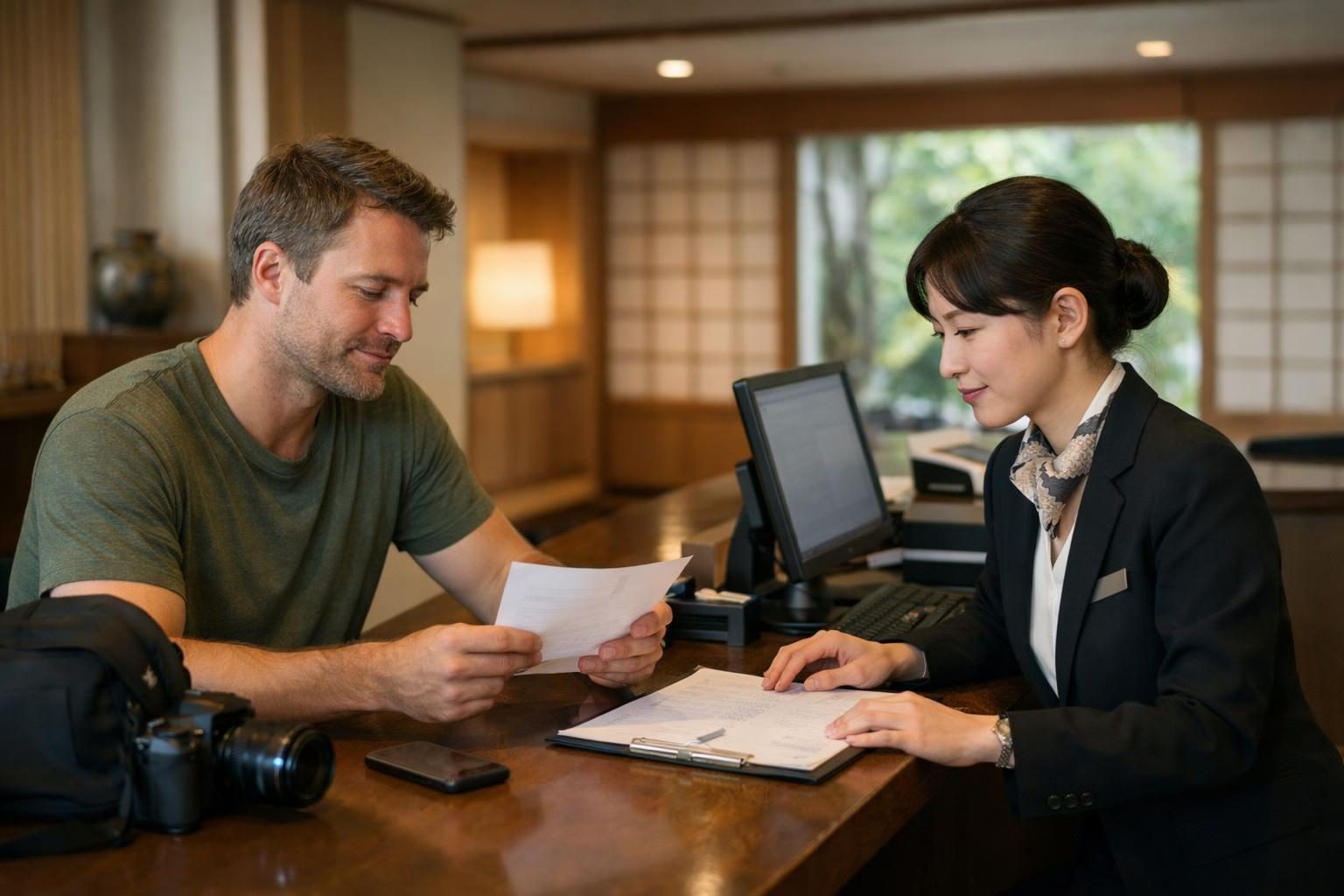
If a hotel, restaurant, activity, transport, or appointment booking in Japan cannot be changed online, do not create a second booking immediately. First identify who controls the reservation, what outcome you want, and which deadlines or fees may apply.
Check the confirmation email or app. A booking made through a marketplace or travel agency may need to be changed through that company, while a direct reservation may be handled by the Japanese business itself. The venue may not be able to edit a third-party booking even if it can see your name.
Review the confirmation, rate conditions, cancellation window, and any instructions for contacting support. Policies vary by provider and booking, so rely on the terms attached to your reservation rather than a general assumption.
Be specific about the first choice and the fallback. For example: move dinner from 18:00 to 19:30; if that is unavailable, accept any time between 19:00 and 20:00; otherwise keep the original booking. This prevents an unnecessary cancellation or a change you did not intend.
Never send a helper your account password, full payment credentials, or one-time verification code.
Use the booking platform's support route when it owns the reservation. Contact the venue directly when the confirmation instructs you to do so or when you need to clarify a venue-specific request. If the only practical option is a Japanese phone call, prepare a concise brief so no important condition is lost.
A change may affect price, availability, cancellation charges, or other conditions. Ask the provider to explain any consequence before you authorize the change. The provider—not the person helping you communicate—sets those terms.
After contact, check whether the booking is changed, cancelled, unchanged, or waiting for another action. Save the updated email, message, or reference. If no written confirmation is available, note when contact occurred and what the provider said.
Ask about the nearest workable alternative: another time, date, branch, room type, or arrangement. If you need to keep the original reservation unless a specific alternative is confirmed, state that clearly before anyone contacts the provider.
For hands-on help, use CallButler's Japan booking change, cancellation, and special-request support. If you need several kinds of local follow-through during a trip, see the Japan local resolution concierge.
Find English-friendly yakitori in Osaka after work by targeting Umeda, Namba, and Honmachi, plus booking sites and multilingual menus.
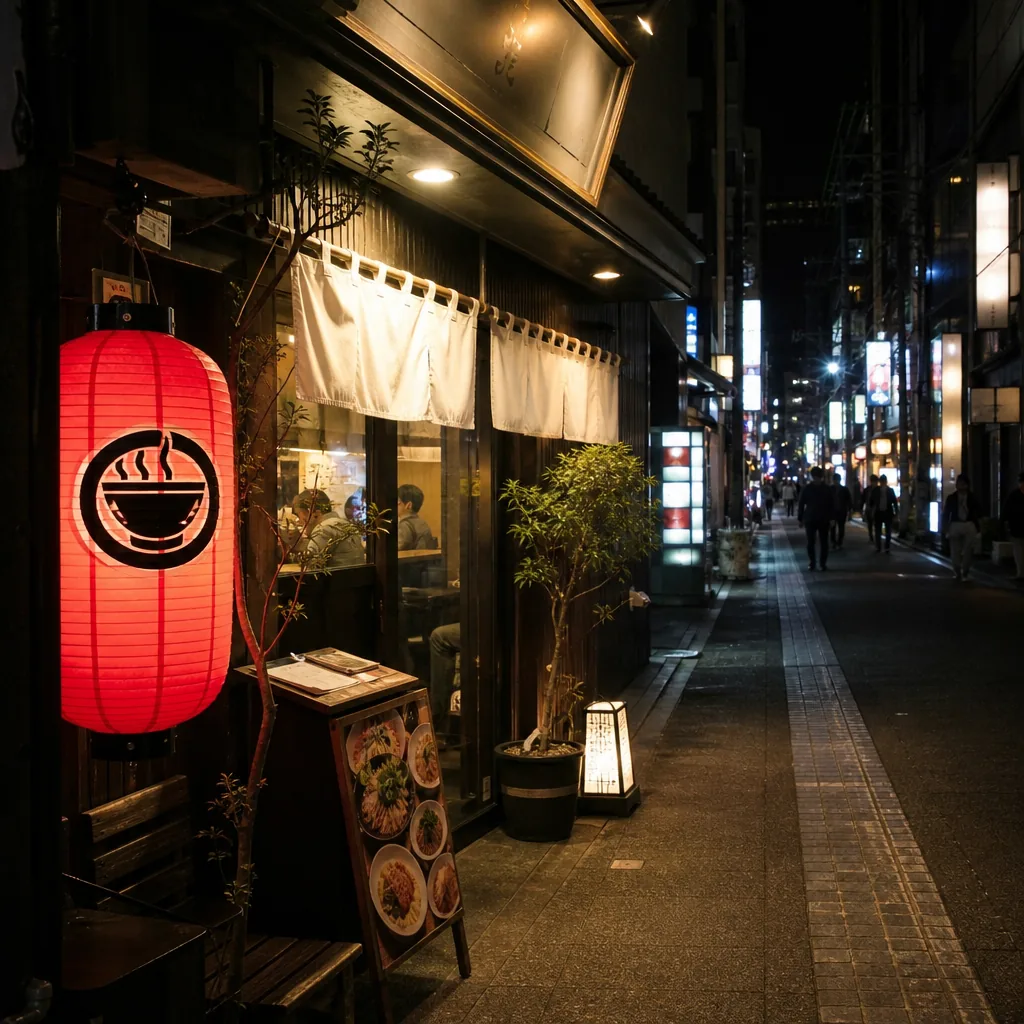
Looking for halal ramen in Kyoto after 10 p.m.? Here’s where to check, which areas are most practical, and how to verify hours and halal status.
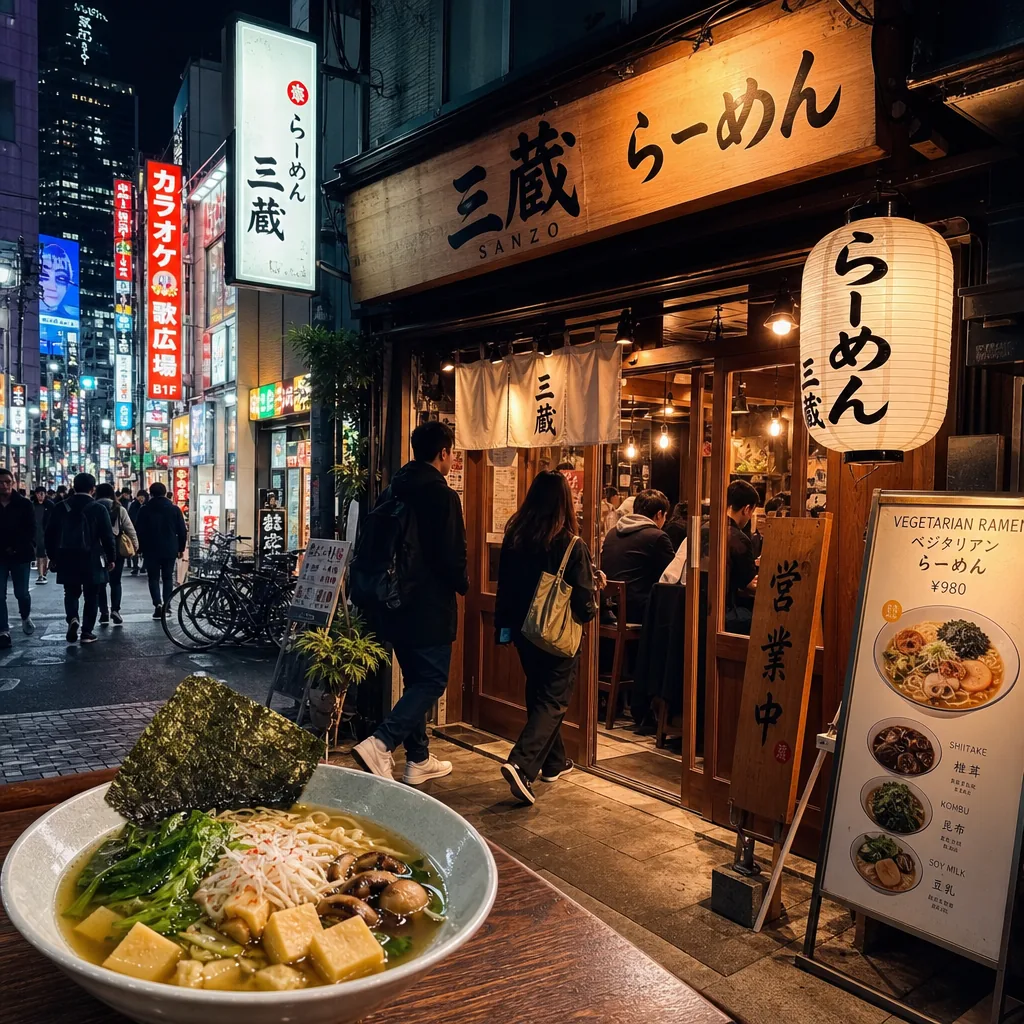
Find late-night vegetarian ramen in Tokyo by focusing on Shibuya, Shinjuku, and Roppongi, then verify broth, hours, and vegan menu details.