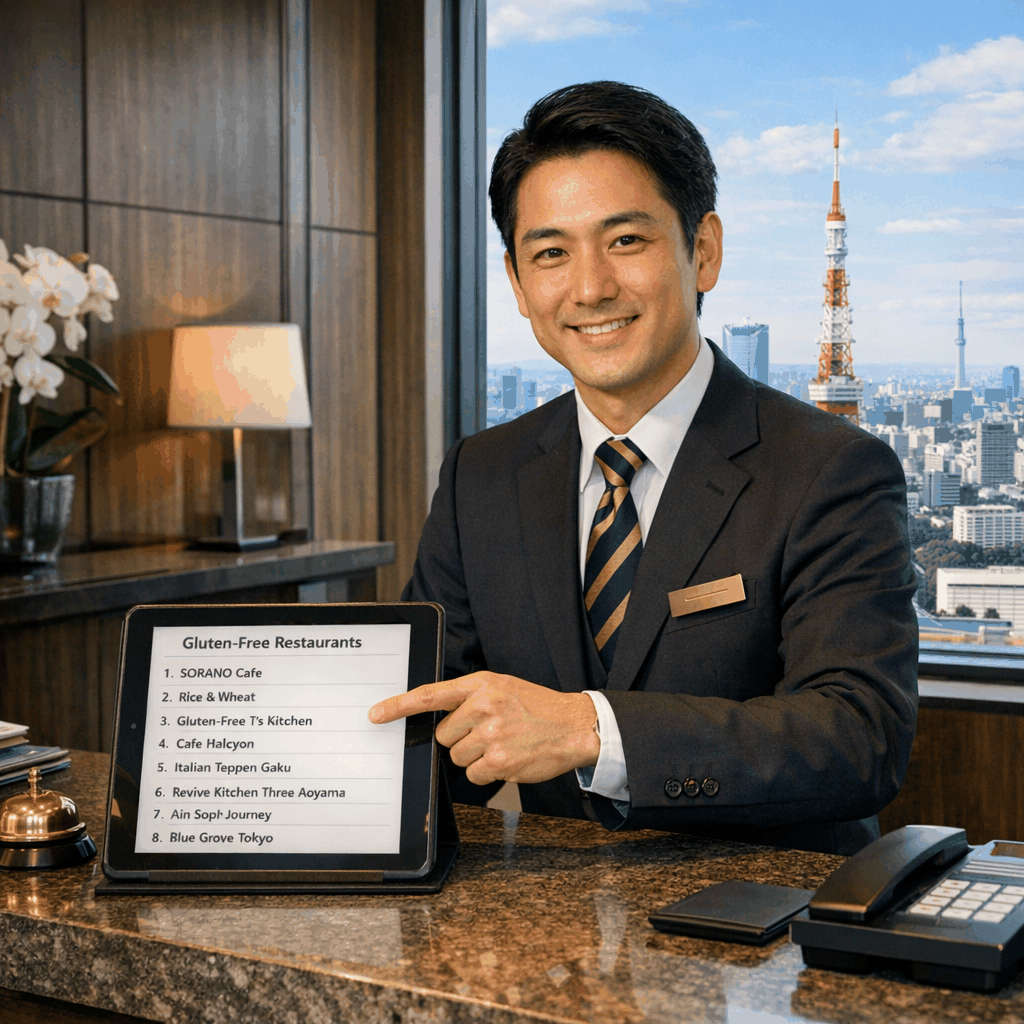
Can a concierge find gluten free restaurants in Tokyo?
Tokyo concierges can find gluten‑free restaurants using Tabelog, Gluten Free Japan, and MHLW allergen rules. Success depends on clear communication and celiac r
Read Article
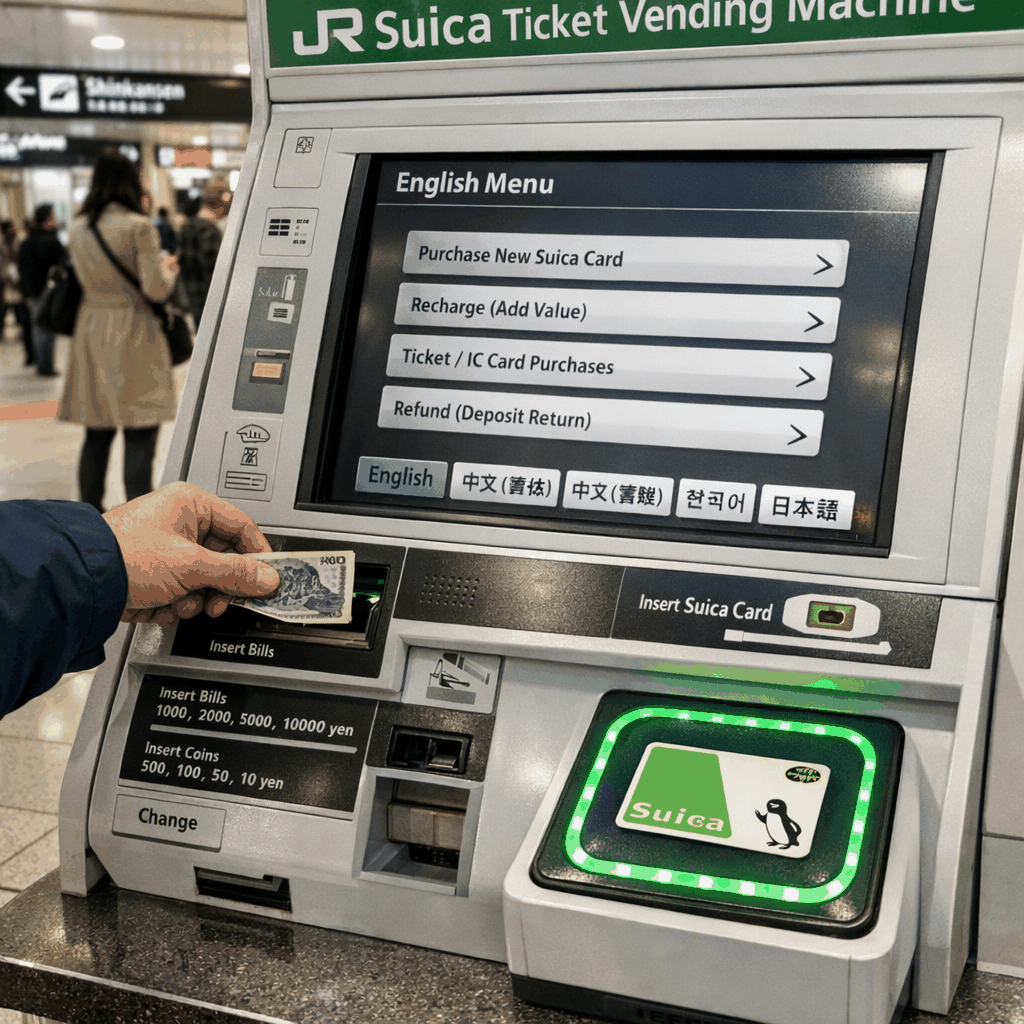
Yes — in Tokyo you can top up a Suica card at station ticket vending machines and fare-adjustment machines, at staffed JR ticket offices (Midori no Madoguchi), many convenience-store counters, and via mobile options like Mobile Suica, Apple Pay or Google Pay on compatible devices [1][2][5]. Machines typically offer English menus and preset amounts; mobile services let registered users reload without visiting a kiosk [1][2].
Suica is JR East’s rechargeable contactless fare card accepted across JR East trains, Tokyo Metro, Toei lines, and most private rail, bus and retail outlets in the Tokyo area [1][2]. You can use Suica at major hub stations such as Tokyo Station, Shinjuku Station and Ueno Station for both transit and small retail purchases [4]. A physical Suica card holds up to ¥20,000 balance; mobile limits differ by service — see Mobile Suica for details [1].
Most ticket machines in Tokyo have an English language option and a clear “Charge” or “入金” button for IC cards [2]. Machines at major hubs (Tokyo Station, Shinjuku Station) typically display preset top-up amounts and accept cash; many newer machines also accept credit/debit cards — follow on-screen prompts [1][2]. Fare-adjustment machines let you both pay the fare difference and add value to a card before you exit [2].
If you prefer face-to-face service, visit a Midori no Madoguchi (JR East staffed ticket office) at major stations such as Tokyo Station or Ikebukuro. Staff can accept cash or card, issue or exchange Suica (including refunds subject to rules), and help with problems like a locked or registered card [1]. Offices usually have English-speaking signage and occur at major interchange stations [1][4].
Many convenience stores (7‑Eleven, Lawson, FamilyMart) and kiosks across Tokyo accept Suica top-ups at the register or via in-store vending machines; this is especially handy in neighborhoods outside major stations such as Asakusa, Nakameguro or Shimokitazawa [5]. When topping up at a store counter, tell the clerk the amount and hand over your Suica; receipts are provided for larger transactions [5].
Mobile Suica (JR East) lets you register an account and add value on iPhone or compatible Android devices (FeliCa). Once set up, you can tap your phone at ticket gates and reload via the app with a credit card without visiting a kiosk [1]. Apple Pay on iPhone models with FeliCa support also allows adding Suica to Wallet and topping up within Wallet; Android users can use Google Pay where supported [1][3]. If your Mobile Suica is registered, JR East provides recovery/transfer options if the device is lost — unregistered plastic cards are harder to recover [1].
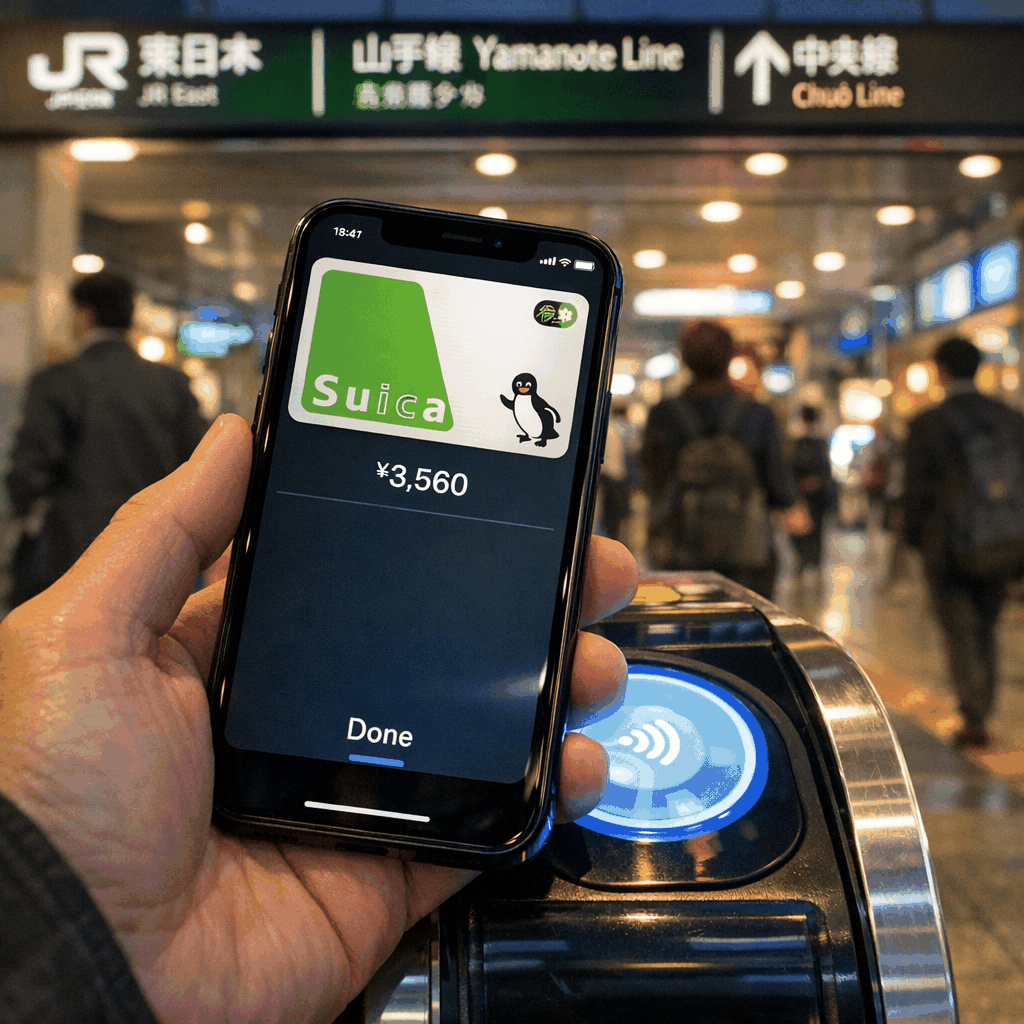
Maximum balance on a physical Suica is ¥20,000 [1]. Most machines accept cash; many accept credit cards, IC-compatible prepaid cards or contactless payments at major stations — check machine markings [1][2]. If you cannot exit a gate, use a fare-adjustment machine (精算機) to pay the shortfall and optionally add value at the same time [2][4]. For lost cards: a registered Mobile Suica can be frozen or transferred via JR East’s web service, while unregistered plastic Suica balances are generally unrecoverable [1].
Following these steps will let you recharge Suica quickly and reliably across Tokyo — whether you’re at a station vending machine, a convenience-store counter, or reloading on your phone before heading to Shibuya, Asakusa or beyond [1][2][5].
CallButler is a multilingual concierge service that handles research, coordination, and bookings so you do not have to navigate language barriers or unfamiliar systems alone. If you need help related to How do I recharge Suica in Tokyo at machines, kiosks, or apps? or the tasks around it, our team can step in to manage the details and keep things moving smoothly.
Tokyo concierges can find gluten‑free restaurants using Tabelog, Gluten Free Japan, and MHLW allergen rules. Success depends on clear communication and celiac r
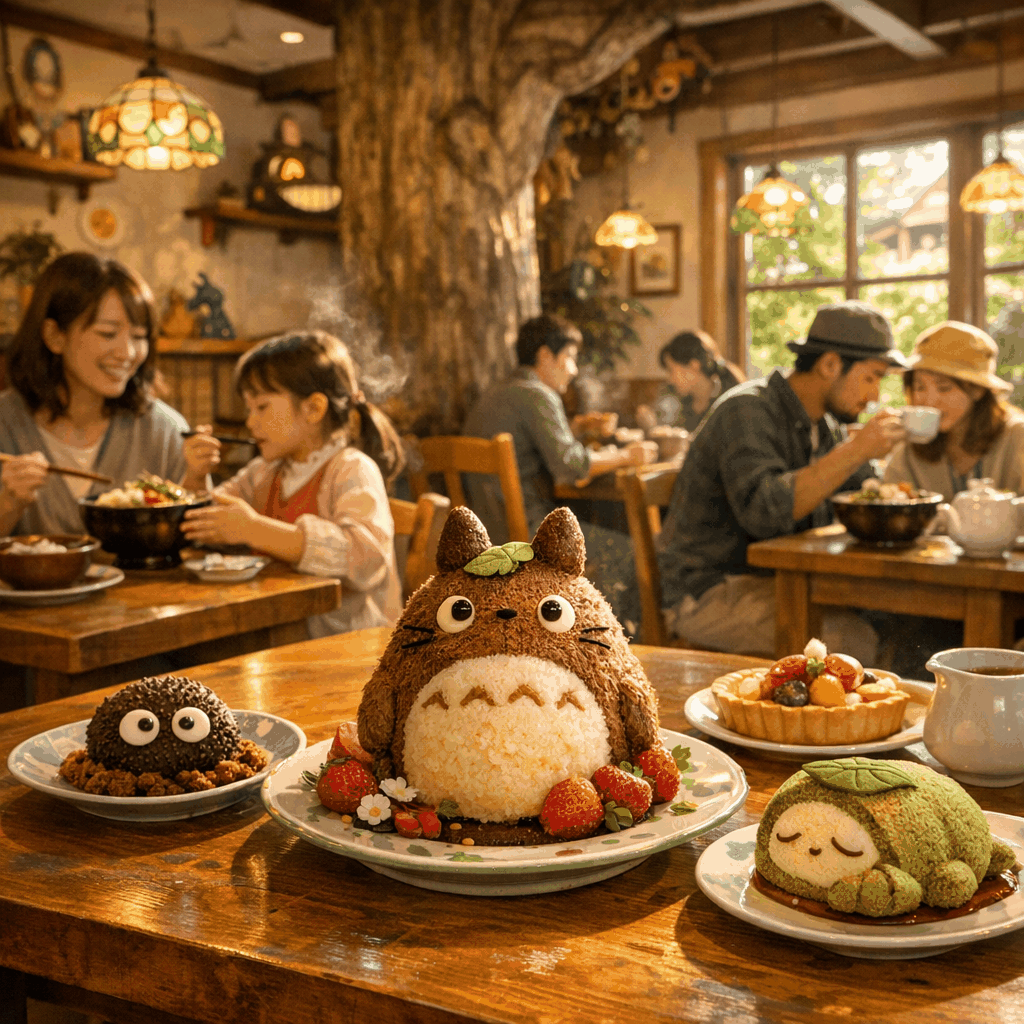
A practical guide to food options inside Studio Ghibli Park near Nagoya: where to eat by area, what to expect, dietary notes, payment, and nearby Nagoya alterna
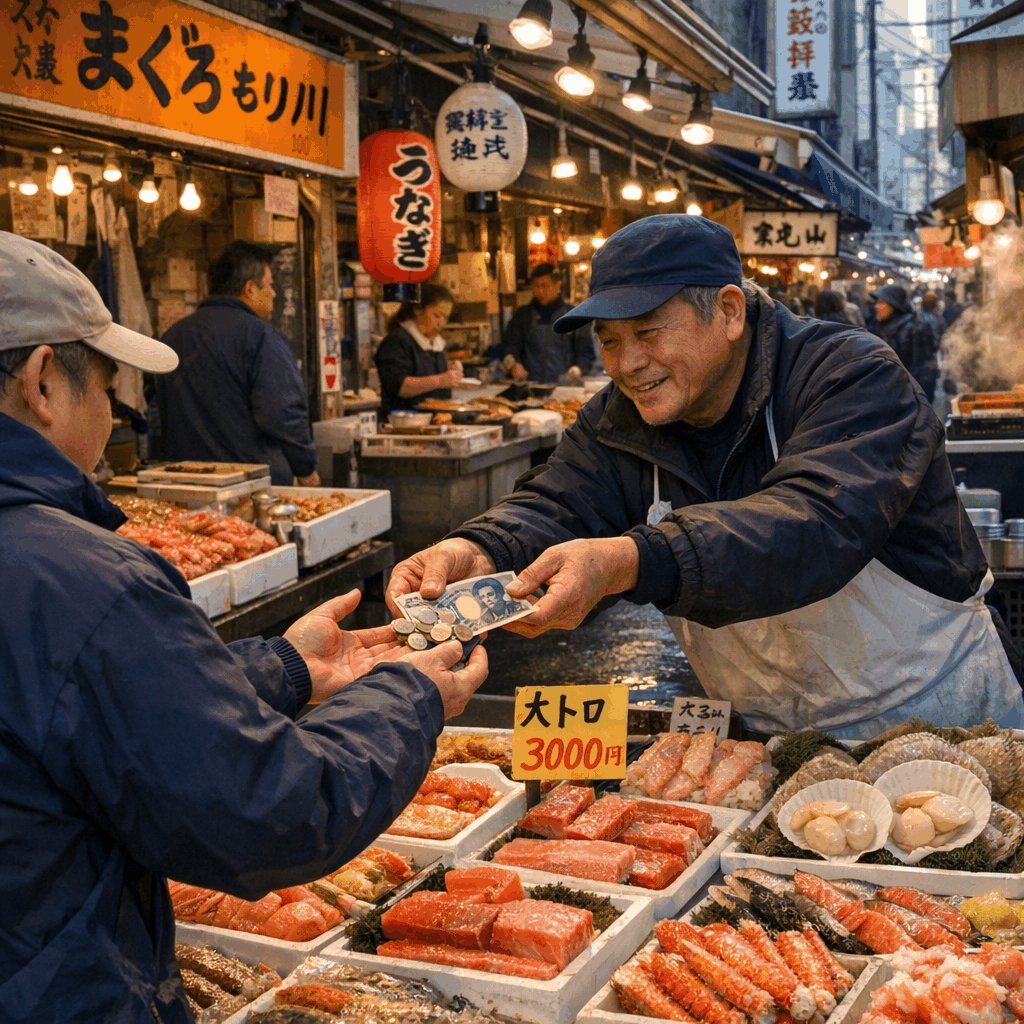
Cash is still the norm at Tokyo's Tsukiji Outer Market; some sushi restaurants and shops accept cards, Suica/Pasmo or PayPay. Bring small yen and use 7‑Eleven A